
Written down for machines
llms.txt is the map, llms-full.txt the whole contract in one fetch. Point any assistant at a URL and it knows the workbench.
llms-full.txtv0.15.0 · Apache 2.0 · frontend only
An open-source plugin platform for Angular workbenches. You write the product; the panes, the palette, the theming and a plugin system your users extend are already there.
npx @loomweaver/cli initpnpm dlx @loomweaver/cli inityarn dlx @loomweaver/cli initbunx @loomweaver/cli initIn an Angular application or an Nx workspace you already have.
The workbench your users work in, before your first plugin. Every picture is from the live demo.
Tab groups the user splits by dragging, preview tabs, pinning, and any tab pops out into a window of its own.
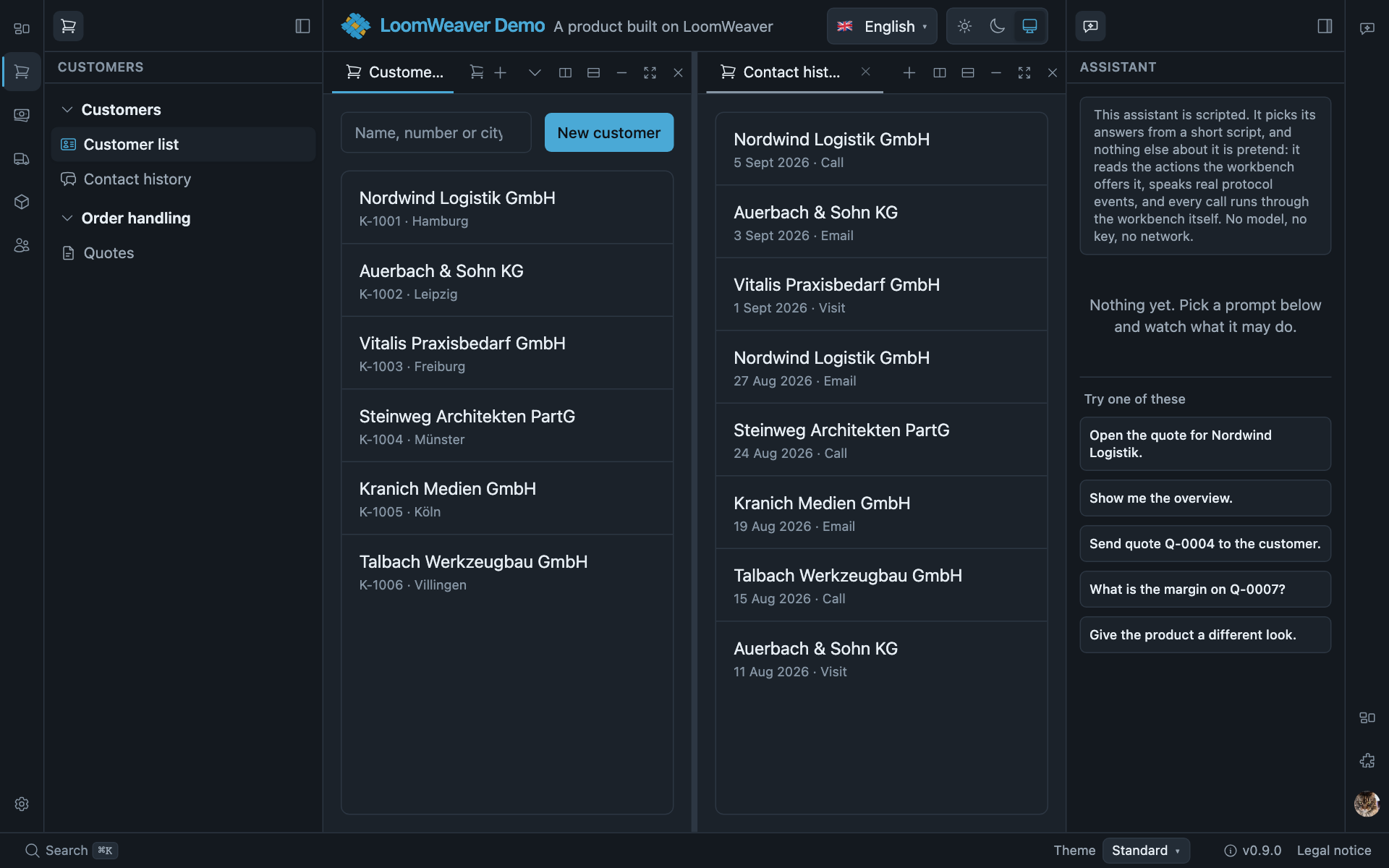
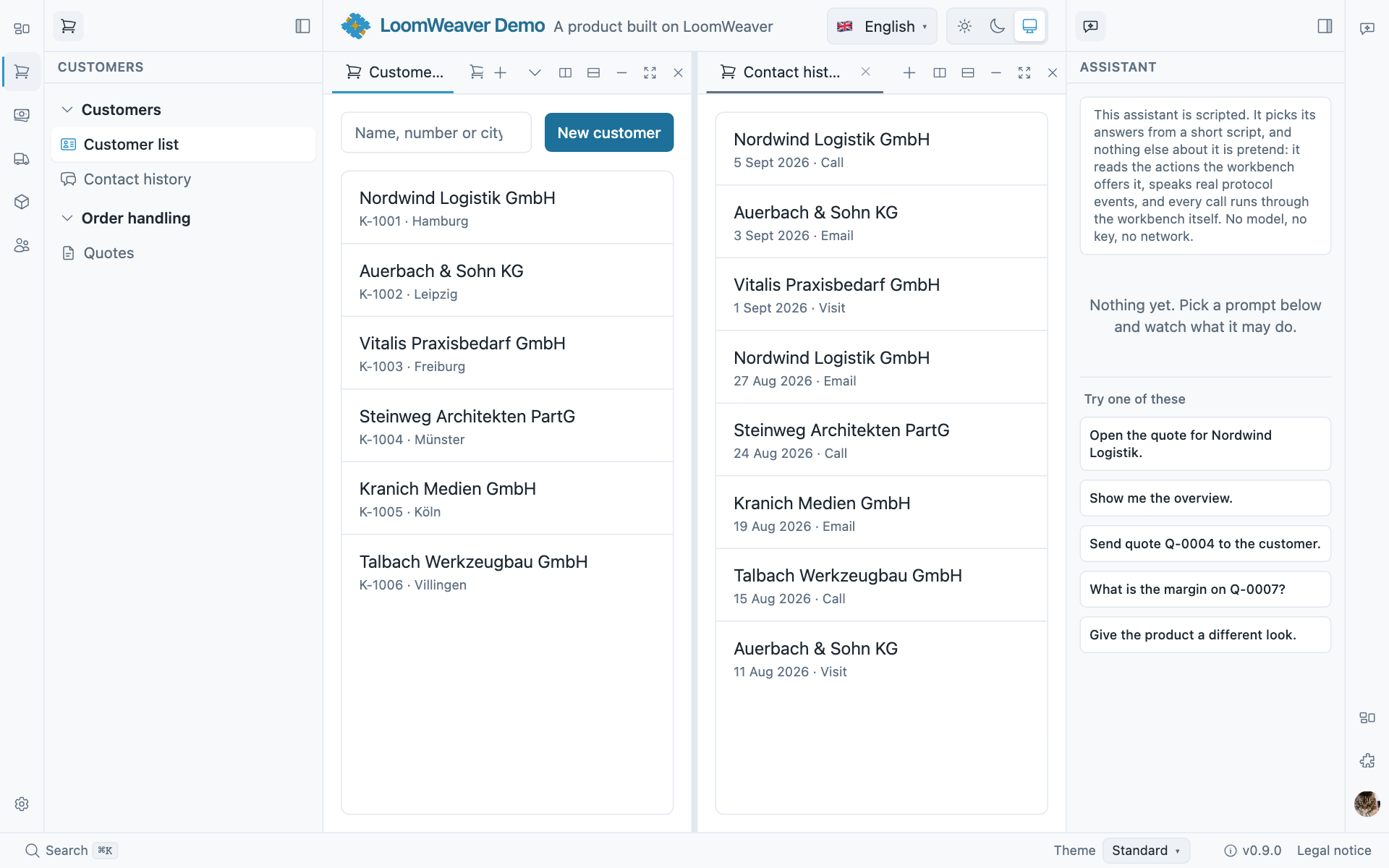
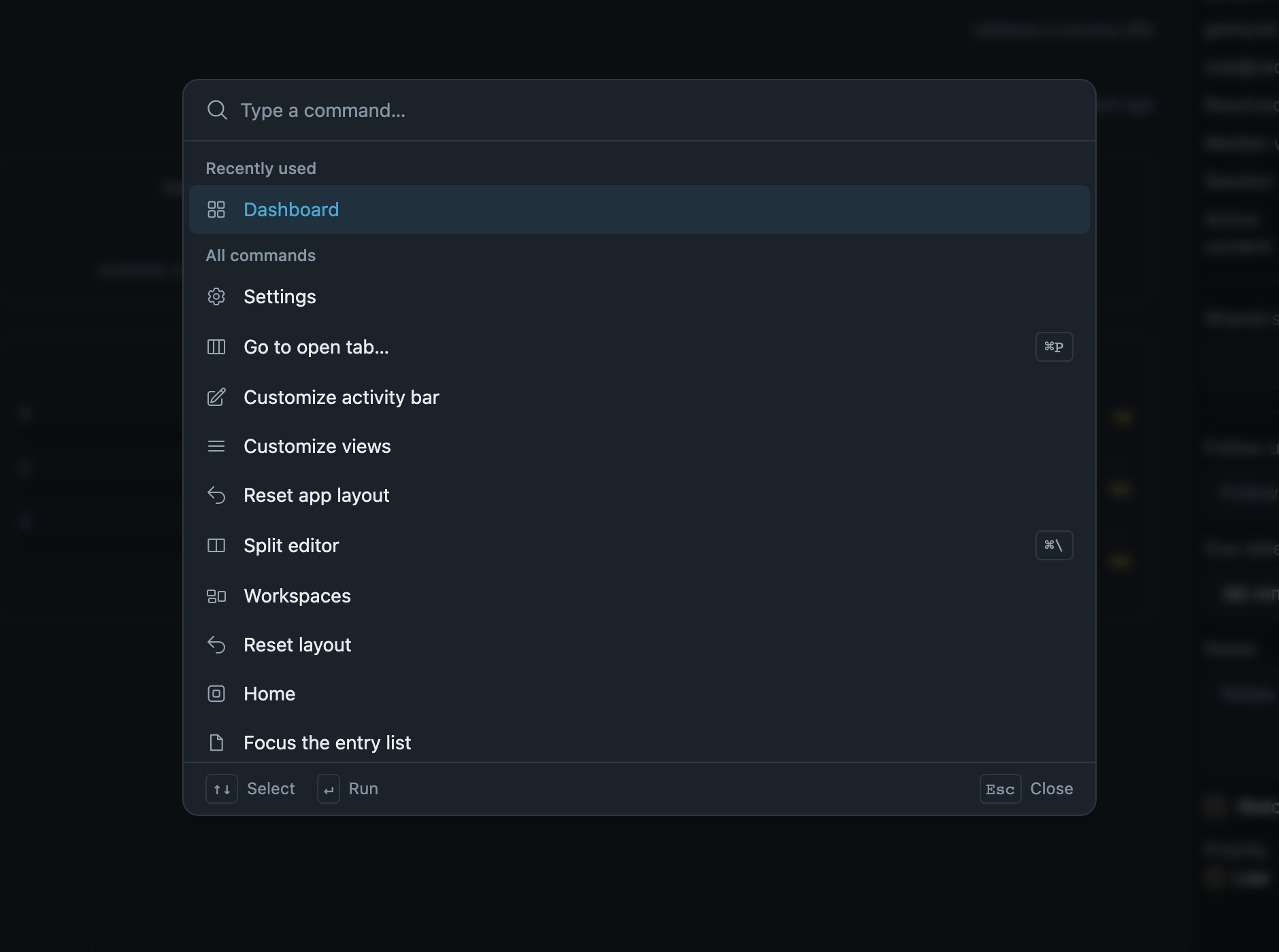
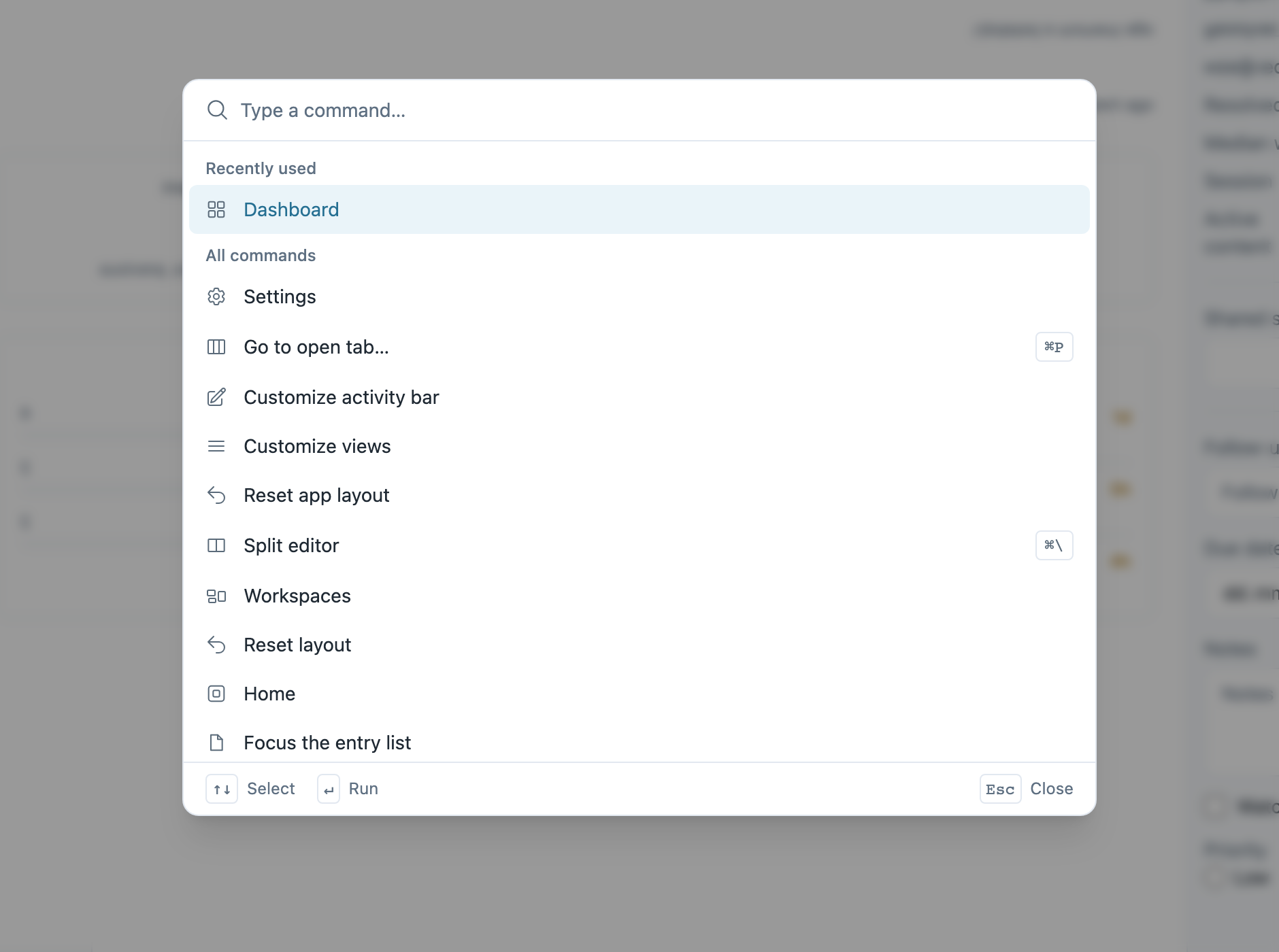
⌘K lists every command a plugin registered, with its shortcut. ⌘P finds what is open, and what could be.
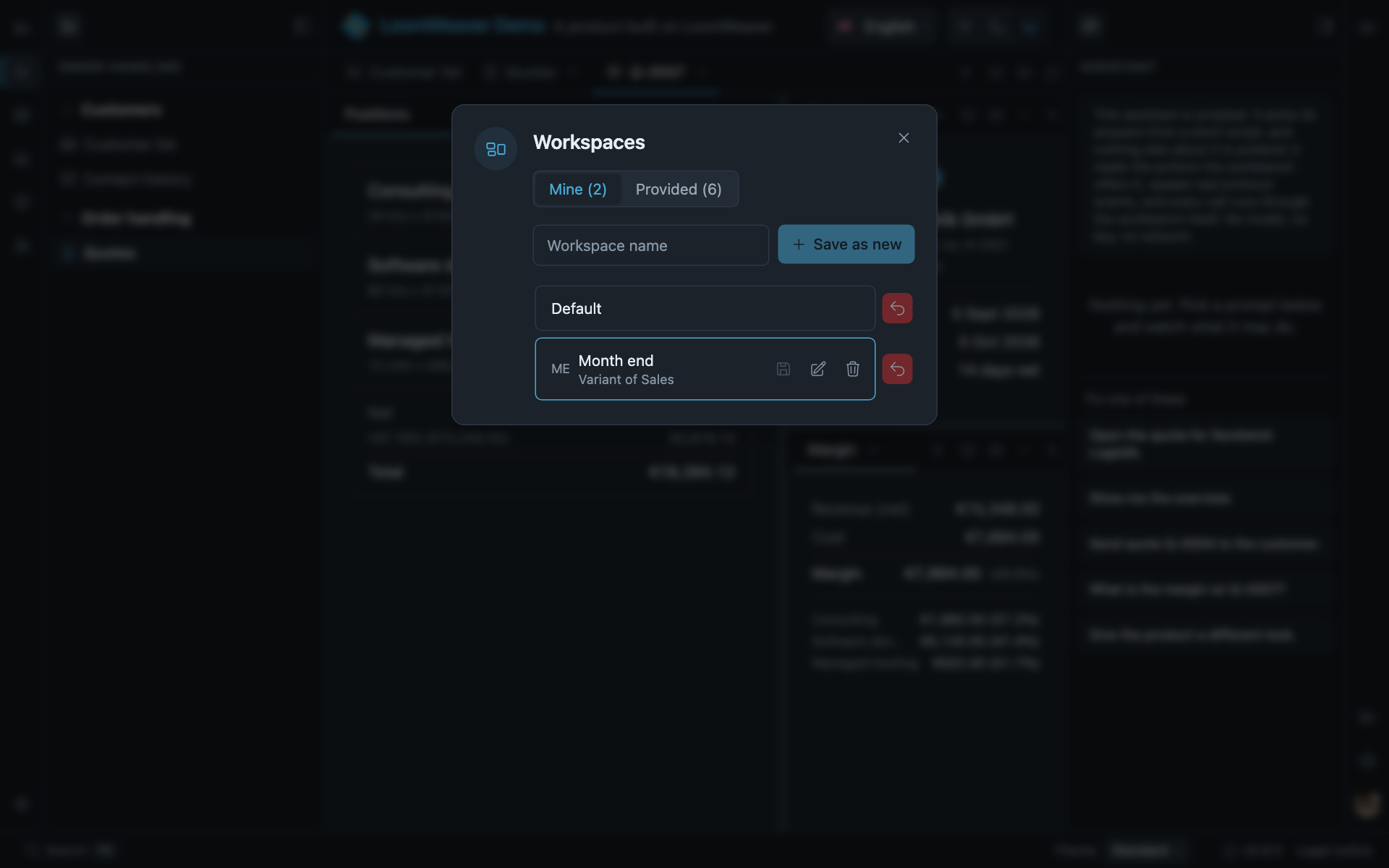
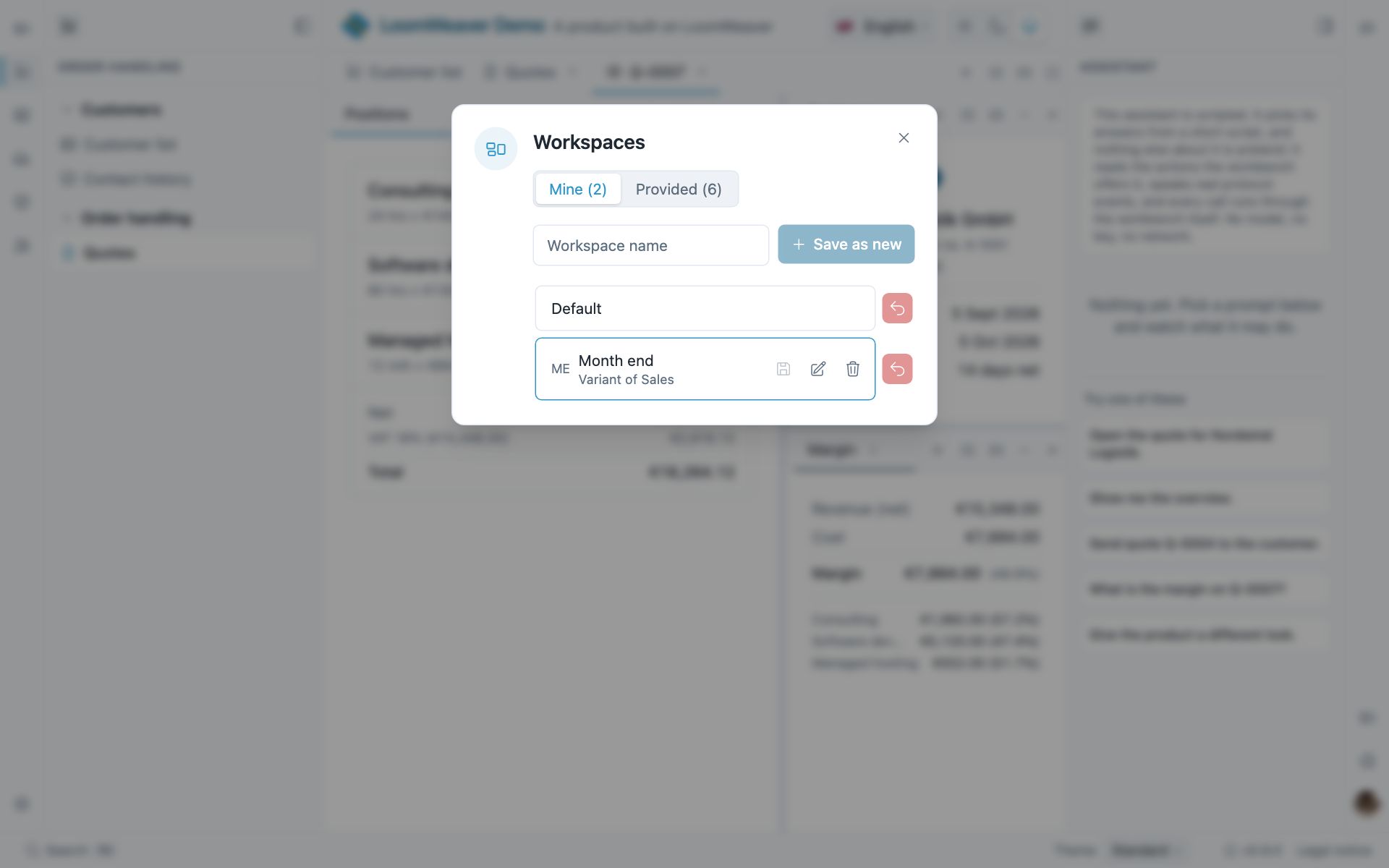
Named arrangements that remember themselves: the ones you provide, and the ones the user saves.
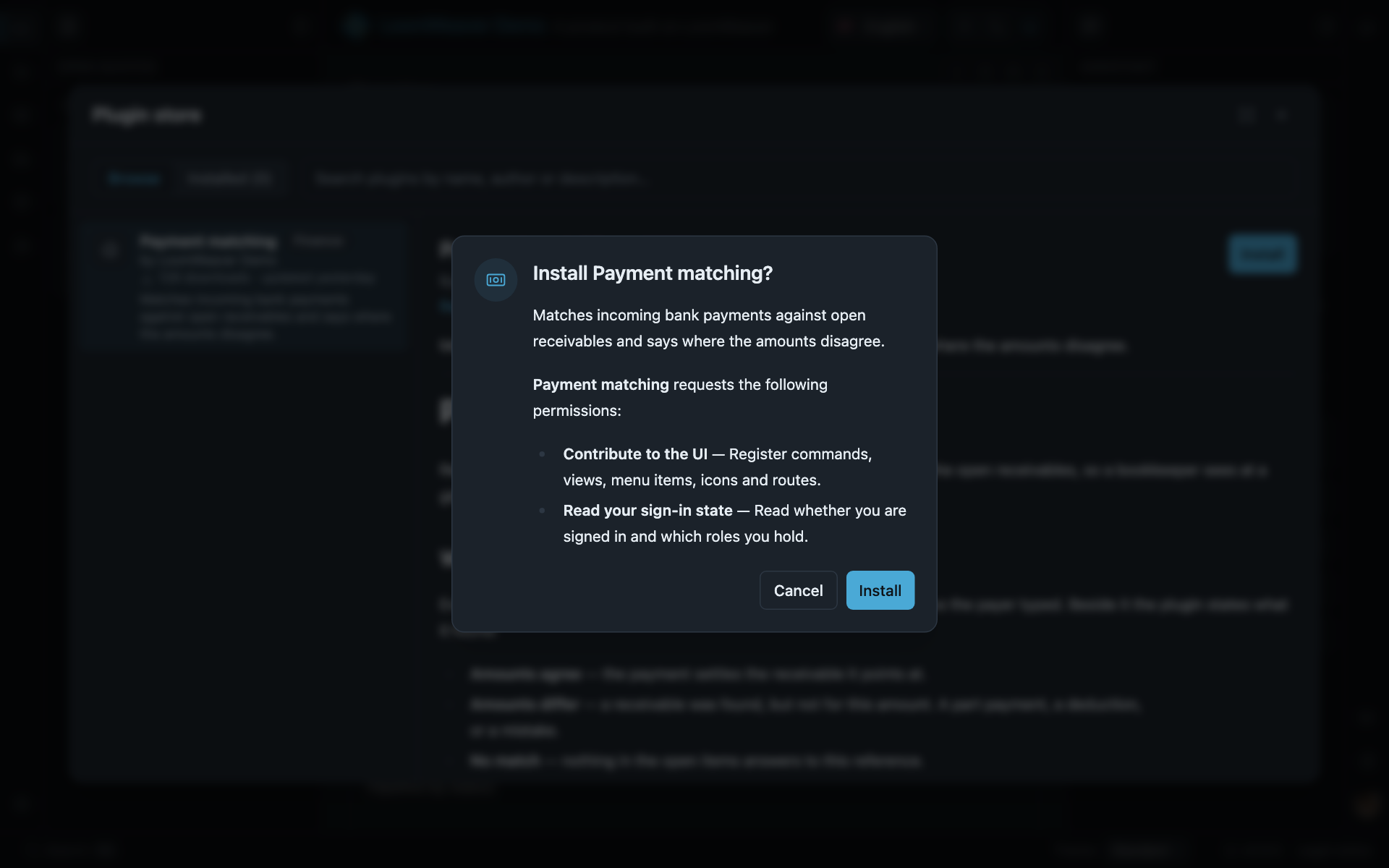
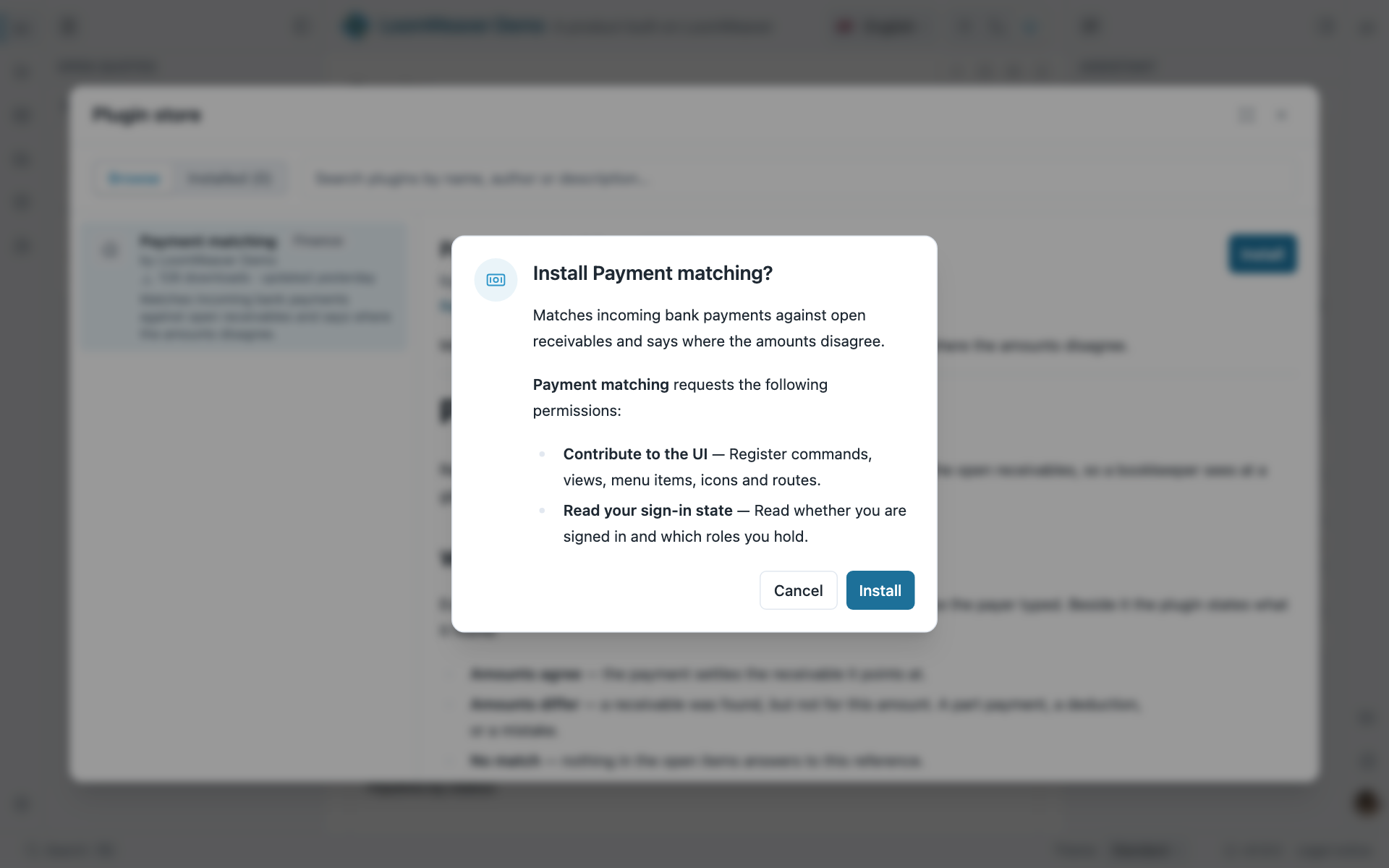
Your curated catalogue. Before a plugin from it runs, the user sees what it asked for and answers once.
Every plugin’s settings in one place, and every grant the user can inspect and revoke.
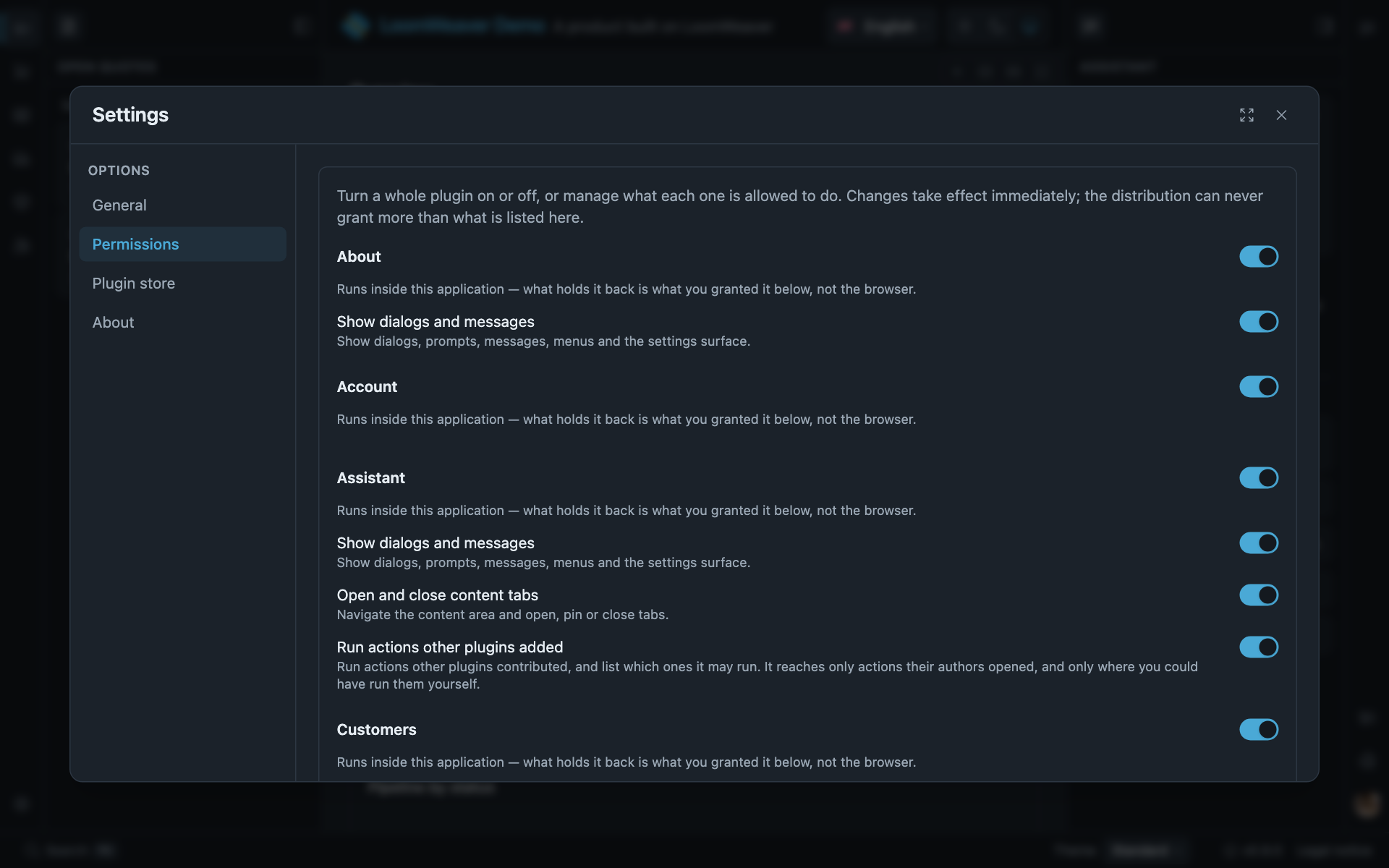
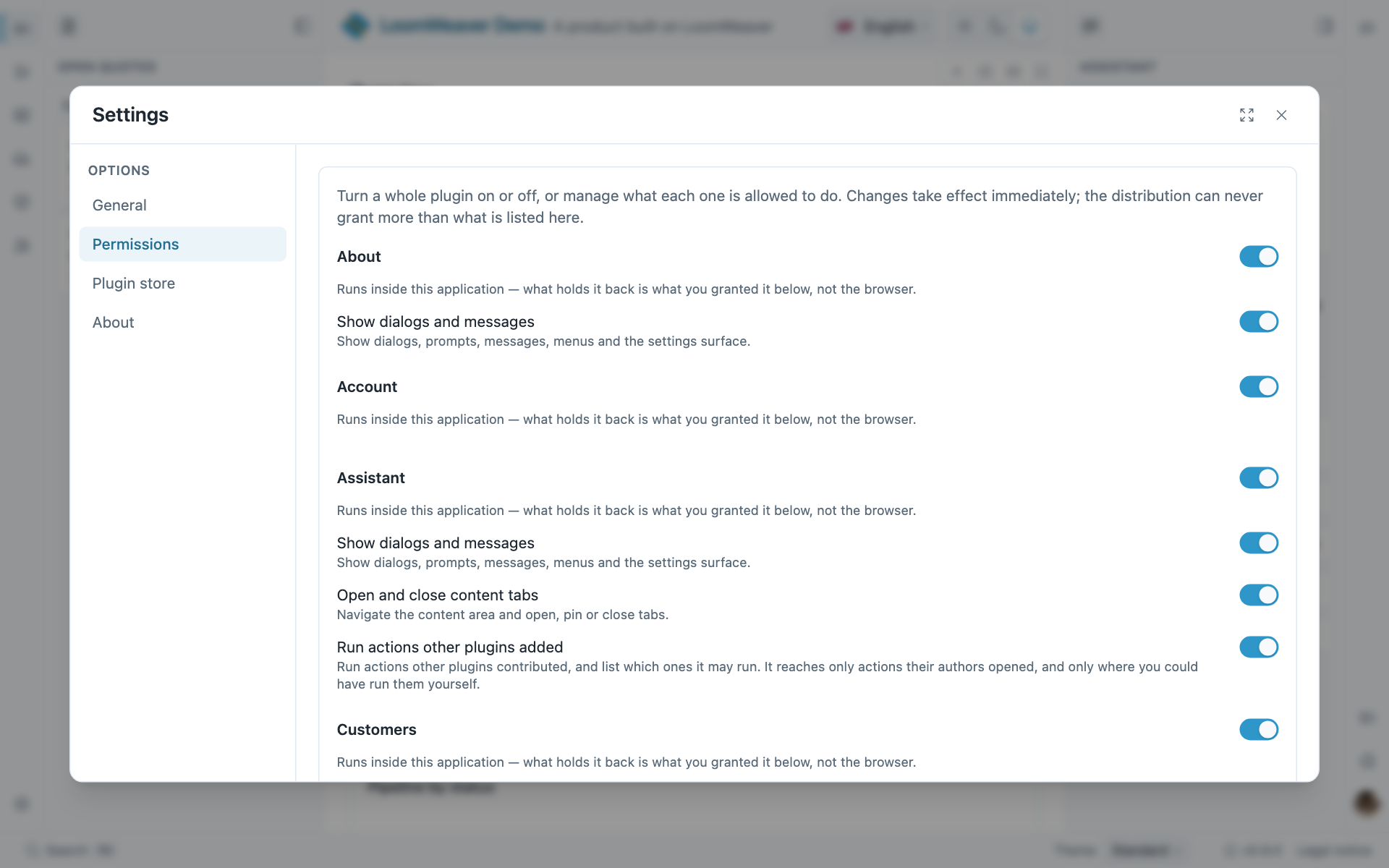
Also in the box: theming from semantic tokens, i18n, WCAG 2.1 AA, an installable PWA, live sync across windows, and the unsaved-work question. Everything the user does by hand, your code can call through the Distribution API. No server: settings, state and auth are ports with local defaults, wired toyour own backend when you are ready.
What you write is the Angular you already know, and nothing is written twice.
A weaver is a manifest and one activate(). What it hands the workbench are the standalone components you would have written anyway, against Angular’s own router:routerLink, ActivatedRoute, guards, back and forward all behave.One surface can own your whole route tree, so an app you already have moves in behind a single plugin.
Register an action once and it is a rail item, a keystroke, a context-menu entry and a palette entry. You never keep a second list beside the first.
ctx.registerCommand({ id: 'invoices.export', title: 'invoices.export', description: 'Export the selected invoices as CSV', arguments: [ { name: 'range', kind: 'choice', choices: ['month', 'quarter', 'year'], required: true }, ], callable: true, run: (_context, args) => exportInvoices(String(args?.['range'])),});Two different things, told apart: an assistant that builds your product, and an agent that drives it at runtime.
llms.txt is the map, llms-full.txt the whole contract in one fetch. Point any assistant at a URL and it knows the workbench.
llms-full.txtThe MCP server gives your assistant the generators and validators as tools. A weaver lands as generator output, not as something to review line by line.
Building with an AI assistantA command is a rail item, a shortcut and a palette entry. callable: true adds one more caller, and it reaches what the user could have reached, nothing more.
Callable commandsAn open protocol we implement rather than one we invented. Generate a weaver with --agent and the panel, the seam that decides before a call runs, and a stand-in are there.
Driving your product with an AG-UI agentSomebody who wants to contribute to your tool points their own assistant at yourllms-full.txt and starts. Your contributor onboarding is a URL.
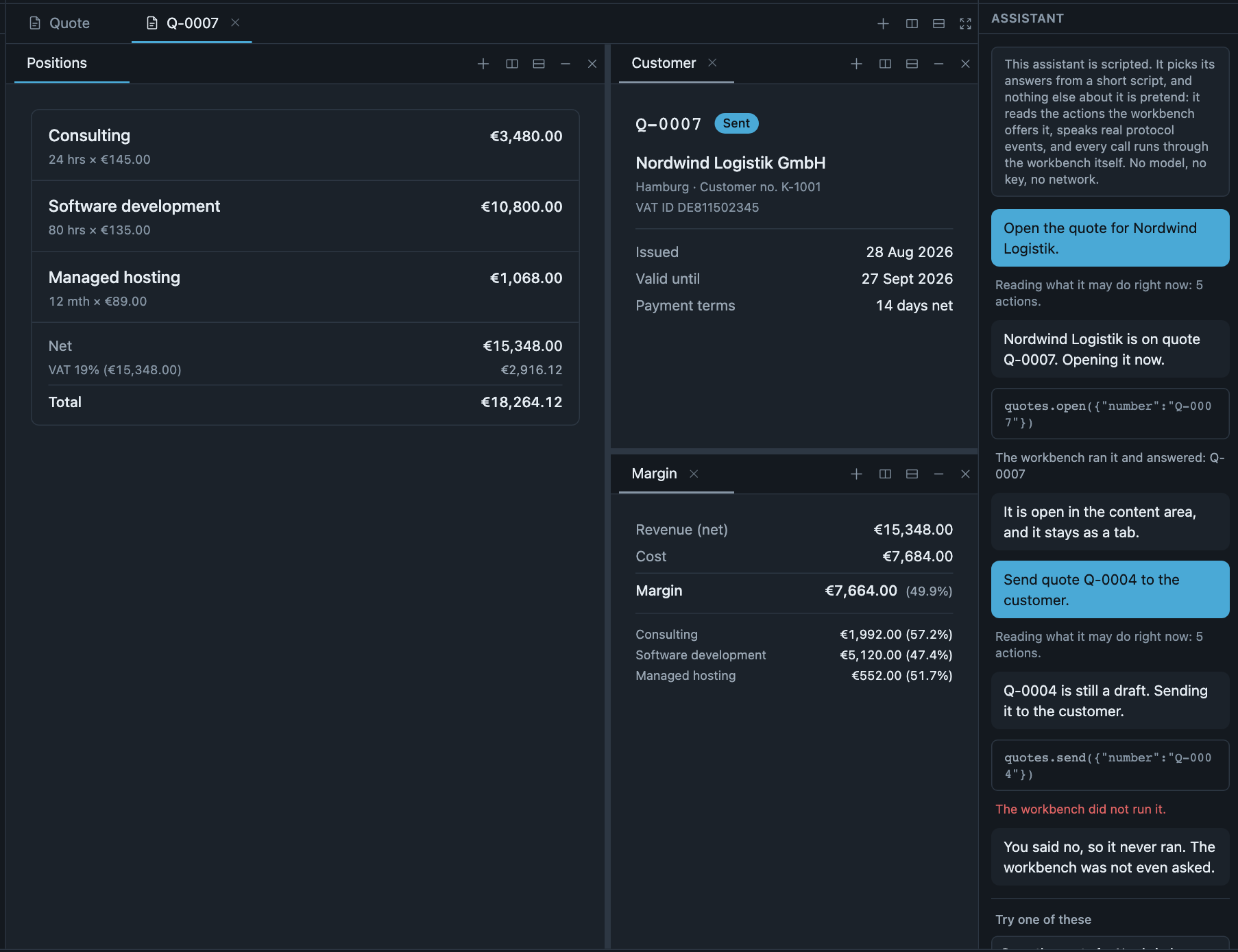
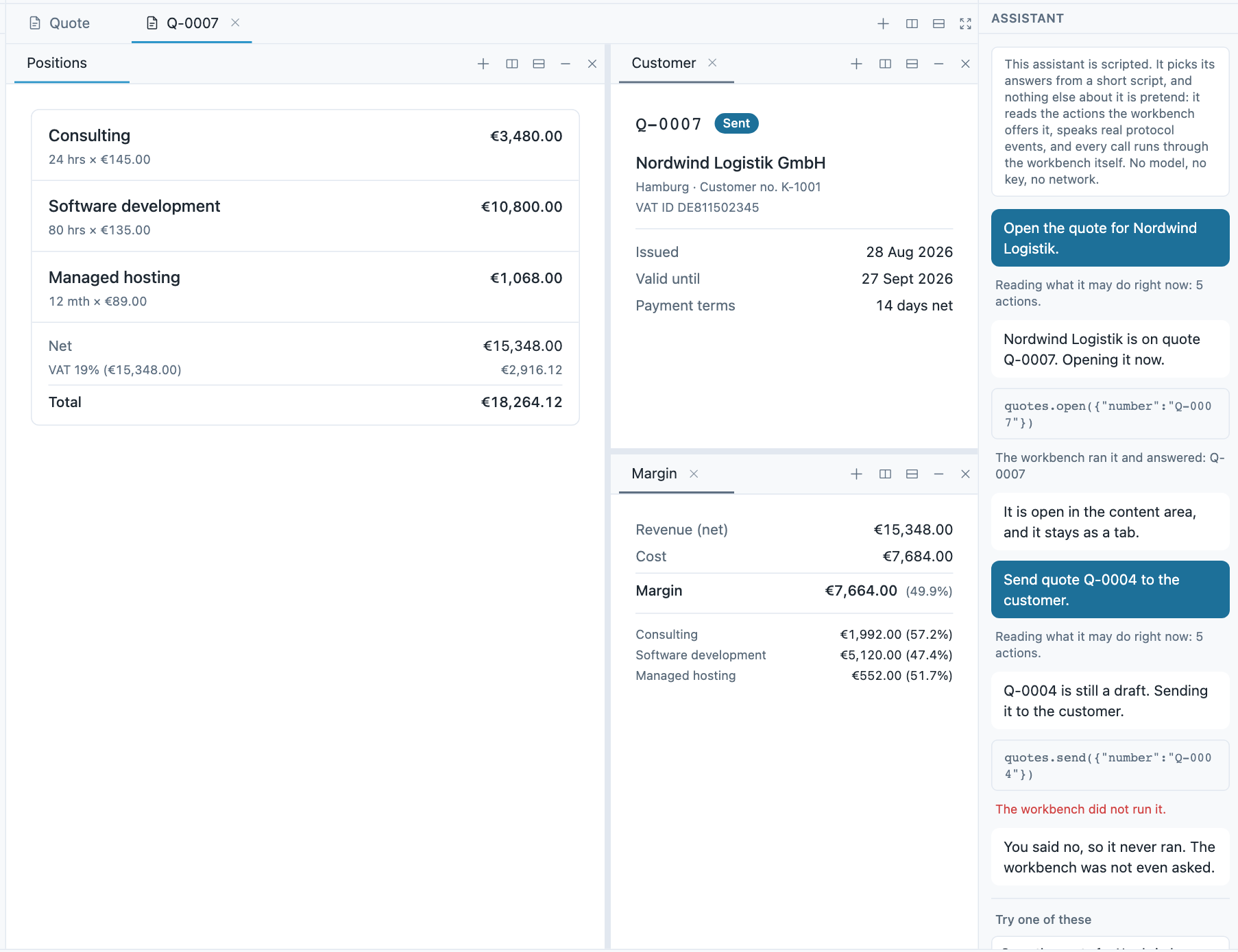
One contract, three levels of isolation. Moving a plugin down a rung is a change of trust, not a rewrite.
Your own weavers, composed at build time. Full reach, because you wrote them.
Somebody else’s code in its own JS context, opaque origin, no reach into your DOM. Write the body in any framework.
From your curated catalogue, with a consent dialog the user answers and an update path driven by the catalogue version.
All three consume the same ctx, behind a default-deny capability broker the user can inspect and revoke. The plugin system has the whole picture.
The same generators from a command line, as Nx generators, or as tools your assistant calls. Each one wires what it finds and names what it could not.
distributionweaverthemeauth-sourcevalidate-commandsIn a fresh Angular app or the one you have. One command installs the platform, wires the build, registers your first weaver, names every file it touched, and only ever adds.
# a fresh Angular app, or the one you have (an Nx workspace works too)ng new my-studio --style=css --ssr=false && cd my-studio
# the platform, your product and a first plugin, in one gonpx @loomweaver/cli init
npm start# a fresh Angular app, or the one you have (an Nx workspace works too)ng new my-studio --style=css --ssr=false && cd my-studio
# the platform, your product and a first plugin, in one gopnpm dlx @loomweaver/cli init
pnpm start# a fresh Angular app, or the one you have (an Nx workspace works too)ng new my-studio --style=css --ssr=false && cd my-studio
# the platform, your product and a first plugin, in one goyarn dlx @loomweaver/cli init
yarn start# a fresh Angular app, or the one you have (an Nx workspace works too)ng new my-studio --style=css --ssr=false && cd my-studio
# the platform, your product and a first plugin, in one gobunx @loomweaver/cli init
bun start